Smokeball Legal Software Review: Is It Worth the Price?
Smokeball costs $139 per user per month. Clio charges $69. MyCase starts at $49. So why would anyone pay double?
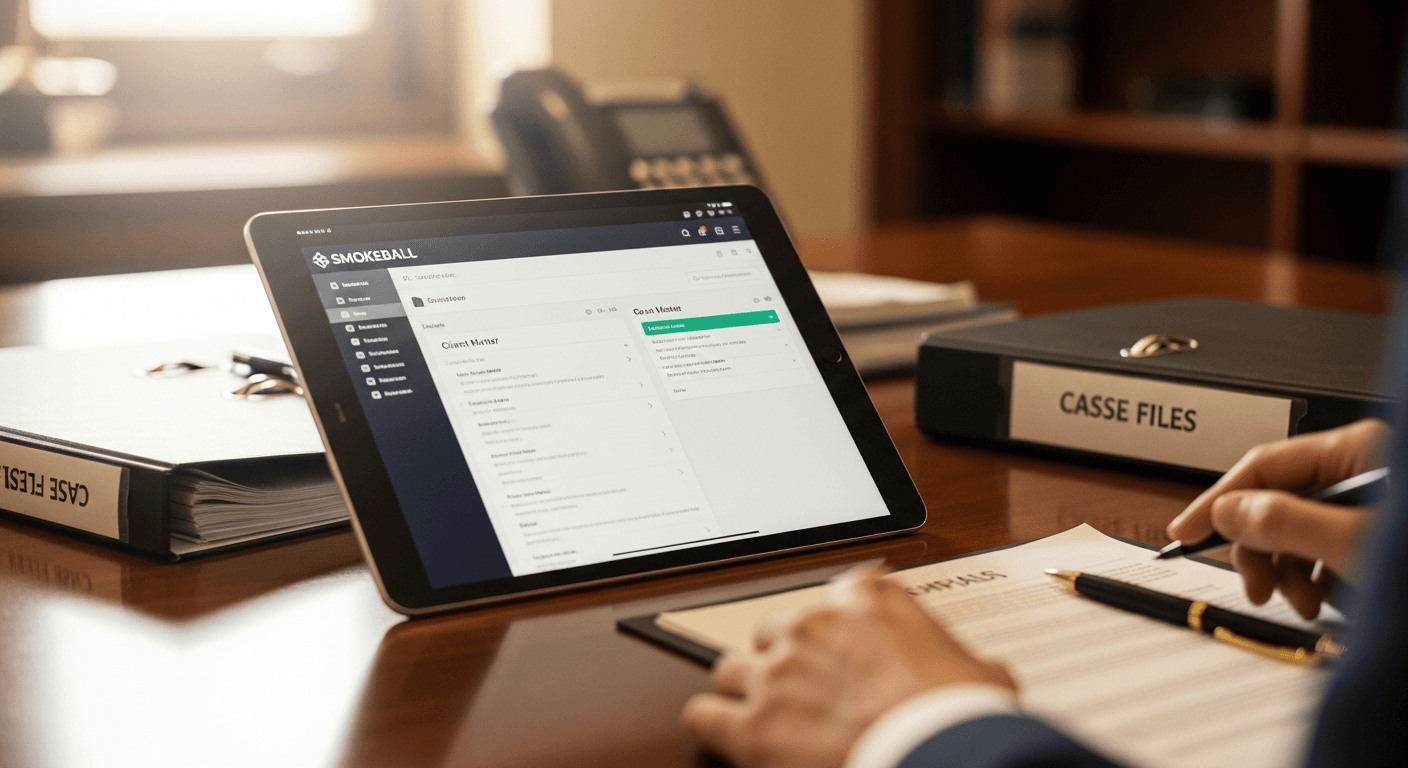
One word: document automation. Smokeball ships with over 20,000 preloaded legal forms covering federal, state, and local jurisdictions. Fill out client info once and it populates across every motion, complaint, and letter in the case. If your practice runs on standardized documents (personal injury, family law, estate planning), that feature alone can save hours every week.
But at twice the price of most competitors, you need to know exactly what you're getting before you sign up.

What You're Actually Paying For
Document automation is the headline feature. 20,000+ forms across jurisdictions. You set up a client once, and Smokeball fills their name, address, case number, and dates into every document automatically. A motion that takes 30 minutes from scratch takes 5 minutes from Smokeball's templates. This is where Smokeball genuinely outperforms Clio and MyCase, which have document assembly but far fewer prebuilt templates.
Automatic time tracking runs in the background. Open a document, make a call, send an email, and Smokeball logs it. No manual timers to start and forget. For attorneys who consistently under-bill because they forget to track time, this recovers real revenue.
Case management, billing, and client portal are all included but not exceptional. You get intake management, calendar, task tracking, trust accounting, and a portal where clients check status and pay invoices. Functional, but Clio does billing better and MyCase has a simpler interface.
Integrations are limited. Fewer third-party connections than Clio or PracticePanther. If you depend on specific accounting tools, check compatibility before committing.
The Real Cost
For a solo practitioner, Smokeball starts at $49/month (basic plan with limited features). Most firms need the standard plan at $139/user/month.
| Firm Size | Monthly Cost | Annual Cost |
|---|---|---|
| Solo (basic) | $49 | $588 |
| Solo (standard) | $139 | $1,668 |
| 5 attorneys | $695 | $8,340 |
| 10 attorneys | $1,390 | $16,680 |
That's before setup and training costs. Implementation takes 2 to 3 months for multi-attorney firms, compared to 2 to 4 weeks for simpler tools like MyCase.
Where Smokeball Wins
Document-heavy practices. If you file 50+ motions a month with similar structure, Smokeball's template library is worth the premium. Personal injury firms, family law practices, and estate planning offices see the biggest ROI because they generate high volumes of standardized documents.
Firms losing billable hours. Smokeball claims users bill an extra 2 hours daily. That's aggressive, but the automatic time tracking does recover hours that manual timers miss. If your attorneys currently capture 60% of billable time, even getting to 75% justifies the subscription cost.
User satisfaction is genuinely high. 4.8 out of 5 stars across 747 reviews. Users consistently praise the document automation and the fact that time tracking just happens without thinking about it.
Where Smokeball Falls Short
Customization is rigid. The software assumes your workflow matches their templates. If your practice has unique processes or non-standard case types, you'll work around the system instead of with it. Clio and Filevine are better for firms that need flexible workflows.
The learning curve is steep. Expect 2 to 3 months to get fully set up. During that time, productivity drops because your team is learning a new system while still trying to get work done. Simpler tools like MyCase get you productive in weeks.
Limited integrations. Smokeball doesn't play well with many third-party tools. If you use QuickBooks, specific marketing platforms, or niche legal tools, verify integration support first.
Overkill for simple practices. If you're a solo attorney handling 20 cases at a time, you don't need 20,000 form templates. A $49/month tool with good case management will do the job.

Smokeball vs the Alternatives
vs Clio ($69/user/month): Clio has better billing, more integrations (250+), and a larger user base. Smokeball has better document automation. If billing is your headache, pick Clio. If document generation is your bottleneck, pick Smokeball. Our Clio review covers the details.
vs MyCase ($49/user/month): MyCase is simpler, cheaper, and faster to implement. Less powerful on document automation, but enough for most practices. Best if cost matters more than automation depth.
vs PracticePanther ($59/user/month): Better customization than Smokeball, modern interface, similar feature set. Worth testing side by side during free trials.
Should You Buy It?
Yes if: You run a document-heavy practice (PI, family law, estate planning), your attorneys under-bill consistently, and you can absorb the 2 to 3 month implementation period.
No if: You need extensive customization, rely on third-party integrations, have a tight budget, or run a simple practice where $49/month tools are sufficient.
The honest answer: try Smokeball's free trial and run it alongside your current tool for a week. Generate the same documents in both systems. If Smokeball saves you an hour a day, the math works at $139/month. If it saves you 15 minutes, stick with something cheaper.
For a broader comparison across all major platforms, see our legal practice management software guide and attorney practice management comparison.
You might also find Law Office Management Software: Best Tools for Your Firm useful.
Picking your legal tech stack?
Whatever practice management tool you pick, Tulex sits on top and drafts your motions, contracts, and demand letters in seconds. Pairs with any system you already use.
See how Tulex works →More legal software reviews on the Tulex blog.