Legal Practice Accounting Software: What Actually Works for Law Firms
Most lawyers hate dealing with the money side of practice. Not earning it. Tracking it. Trust accounts, IOLTA compliance, client billing, expense reconciliation. The part that keeps you working past 7pm when you'd rather be home.
The wrong accounting software makes this worse. Generic tools like QuickBooks weren't built for law firms, and the workarounds you'll need eat the time you saved by going cheap. Here's what actually works.

Why QuickBooks Fails Law Firms
QuickBooks works great for restaurants and retail. For law firms, you'll spend hours every month building workarounds: separate trust account tracking, manual billable expense entry, custom client billing reports.
Three things generic accounting tools can't handle:
Trust account management. Mess up your IOLTA account once and you're facing disciplinary action from your state bar. Legal accounting software automatically separates client funds from firm funds and maintains the audit trail your bar requires.
Time-to-billing flow. When you log 2.3 hours on a matter, that time should land in your billing system at the right hourly rate without you touching a spreadsheet.
Client fund tracking. Retainers, advance fees, settlement funds, escrow. Each has different rules about when you can move money to operating accounts. Generic tools treat all incoming money the same.
About 28% of law firms use legal-specific accounting software instead of consumer tools, and that share keeps growing.
What It Costs
The price difference is smaller than you'd think. QuickBooks Online runs $35 to $235/month, but you'll need a separate legal billing tool at $40 to $100 per user. All-in-one legal accounting software typically costs $50 to $150 per user/month, which is often cheaper than running two separate systems.
Budget for implementation too. Data migration from your current system runs $2,500 to $15,000 depending on how messy your records are. Most firms see ROI within six months from time savings alone.
Features That Actually Matter
Trust accounting with IOLTA compliance. Non-negotiable. The software should track every transaction, maintain separate ledgers per client, and generate the reports your state bar requires. In 2024, California's IOLTA program distributed over $95 million to legal aid, and new 2026 rules require annual trust account registration. You don't want to handle this manually.
Integrated time tracking. Time entries should flow into invoices automatically. Firms with integrated time and accounting save accounting staff about 43% of their time on average.
Client portals. Clients want to see their balances and pay invoices online. Built-in payment processing for legal fees handles the tricky part: distinguishing earned fees from client funds. LawPay is the standard here, used by over 150,000 lawyers because it handles IOLTA correctly.
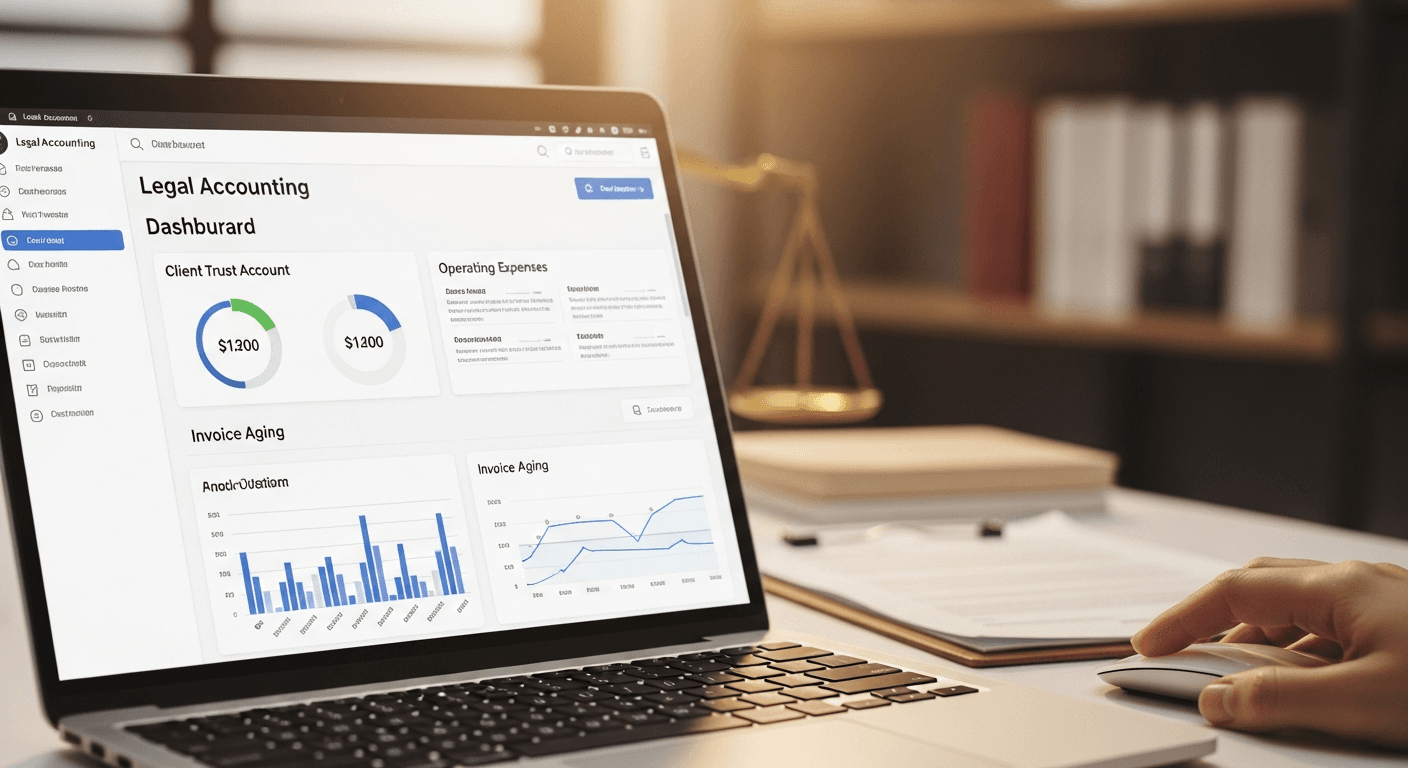
The Platforms Worth Considering
CosmoLex ($89/user/month): Trust accounting built directly into practice management. Everything in one database, no integrations needed. Steeper learning curve, but you avoid juggling multiple subscriptions. Good for firms that want a single system for billing, accounting, and case management.
Clio + QuickBooks ($49 to $99 + $35 to $99/month): Best-in-class practice management plus familiar accounting. The integration works well, but you're managing two systems. Worth it if your bookkeeper already knows QuickBooks. Our Clio review covers the practice management side in depth.
Bill4Time (from $39/user/year): Focused on time tracking and billing with solid accounting features. Less comprehensive than full practice management suites, but simpler to set up. Best if your main pain is billing and time entry, not full accounting.
LEAP: All-in-one with case management, accounting, and document automation. Pricing varies. Aimed at small to mid-size firms that want everything bundled, including document templates and workflow tools.

How to Pick
Don't compare feature lists. Start with your three biggest pain points and match the software to those.
If trust accounting is your nightmare, prioritize IOLTA compliance and audit features. CosmoLex and LEAP win here.
If billing takes forever, prioritize time tracking integration. Clio and Bill4Time both handle this well.
If clients constantly call asking about their balances, prioritize client portals. CosmoLex, Clio, and LEAP all have solid ones.
Use the free trials. Import a month of real data and run your actual workflows. You'll learn more in two weeks of hands-on testing than from any feature comparison spreadsheet.
The Implementation Reality
Don't try to migrate everything at once. Start with one practice area or one attorney as a pilot. Test trust accounting, billing, and reporting. Get the bugs out before rolling out firm-wide.
Most firms spend 5 to 7% of revenue on technology. Legal accounting software should be part of that budget, not a last-minute purchase when tax season hits. The legal practice management market hit $2.9B in 2023 and is on track for $7.8B by 2032 because firms keep finding the ROI is real.
For broader software comparisons across practice management, see our guide to legal practice management software, law office management software, and the attorney practice management software comparison.
Got your accounting stack figured out?
Tulex handles the other time sink: drafting legal documents. Motions, contracts, and demand letters in seconds so you can bill hours on strategy, not admin.
Try Tulex free →More legal software reviews and comparisons on the Tulex blog.